Create a scene from a short brief
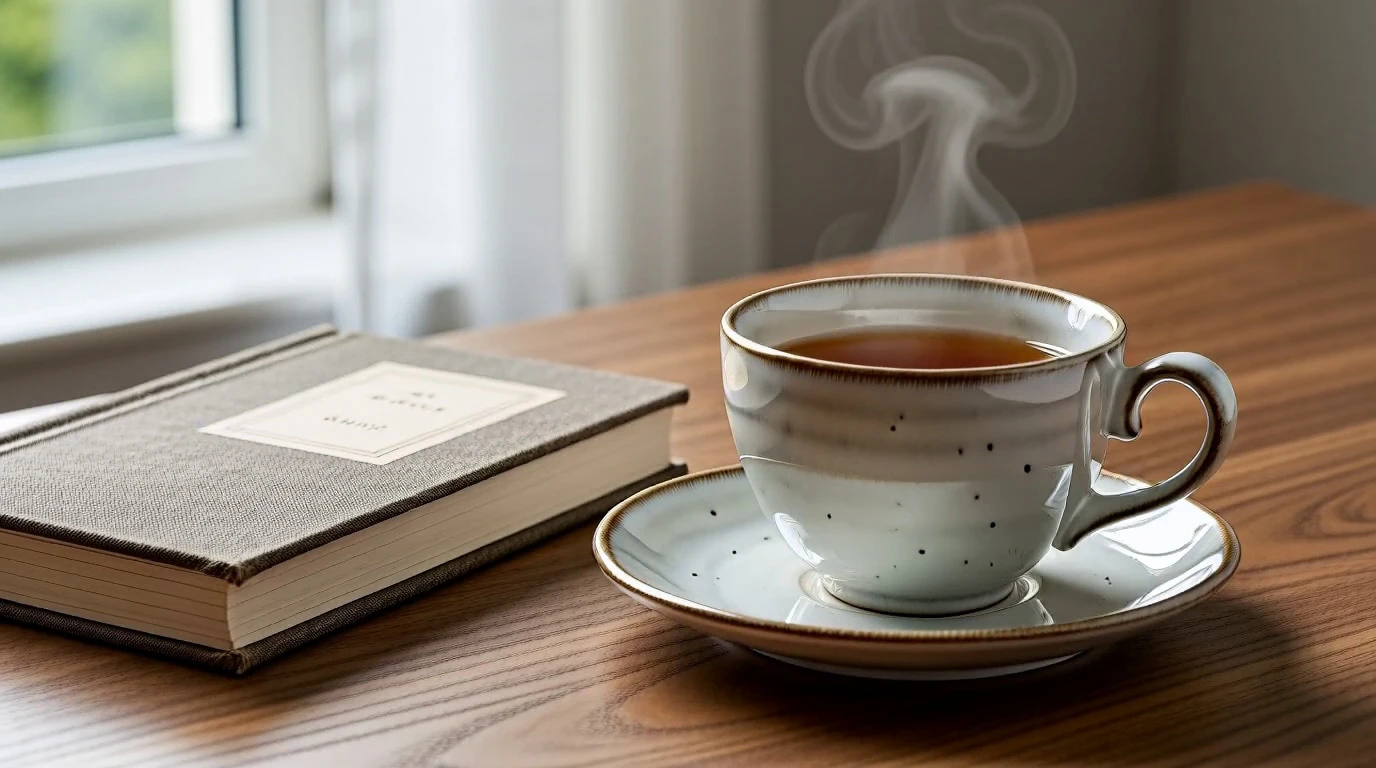
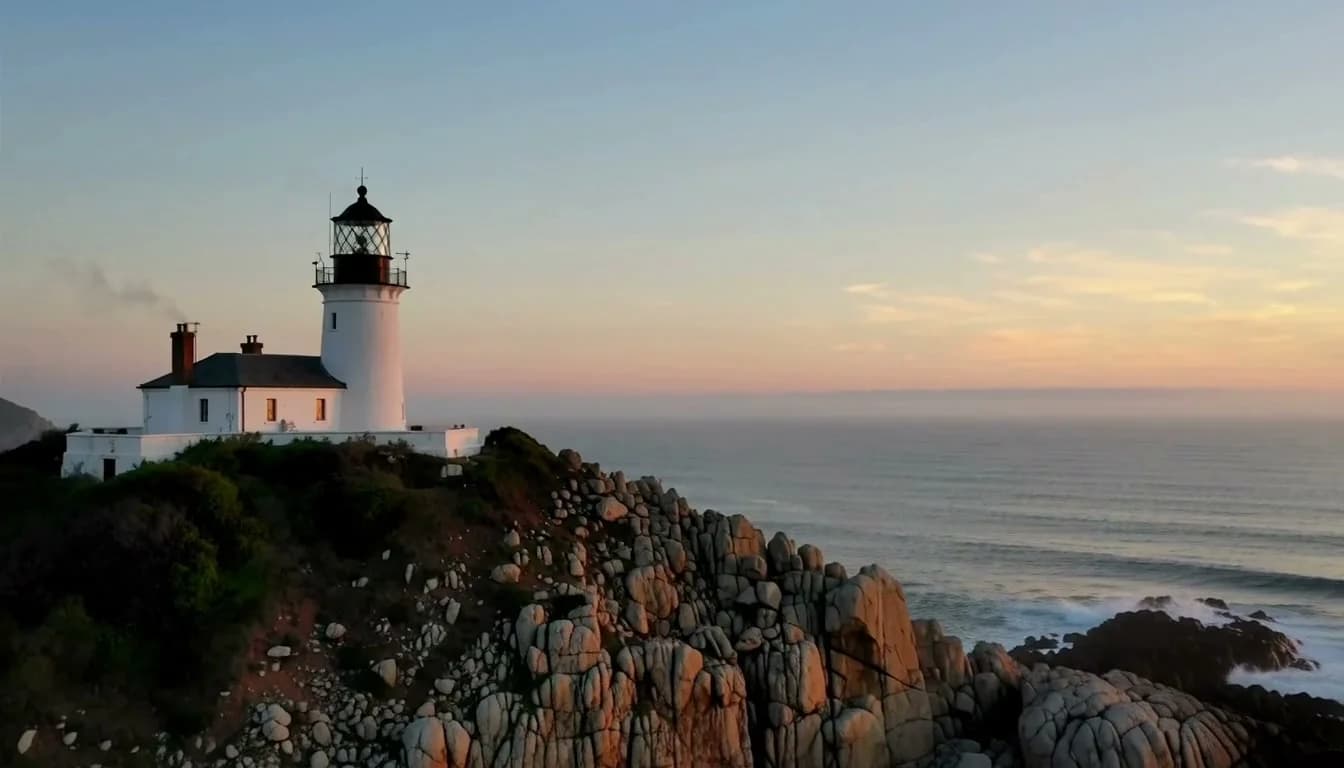
The lighthouse case begins with text alone. The actual output shows a coastal lighthouse and waves; the tower becomes larger as the continuous shot moves closer.
Input · Text scene briefMiniMax H3 · 5s · 768p
Create your next shot with an adult AI video generator that starts from words or an image you have permission to use. Choose a live model, check the Credit estimate and direct the motion in AI Porn Maker FREE.
This is an example brief. Choose your model and enter your own prompt in the studio. Sign in and review the required Credits before submitting.
A cinematic coastal lighthouse on a rugged sea cliff at dawn. Pale ocean mist drifts slowly between the rocks while gentle waves roll below. The camera makes a smooth, slow push toward the lighthouse, keeping its shape and position stable. Soft blue and warm amber light, natural textures, one continuous shot, no people, no text, subtle ocean ambience.
Make one creative decision at a time: choose your input, select the current setup, then inspect the generated result.
Use Text to Video for a new scene. Use Image to Video when the composition already exists in an authorized still.
Review the available duration, resolution and model controls. The studio shows the Credit requirement for the setup you select.
Sign in to submit, track the task and play the completed result. For a new attempt, change one action or camera instruction so you can compare the difference.
Compare a scene created from a text brief with motion added to an original desk image. Each case uses MiniMax H3 at 5 seconds and 768p.
Copy a recorded prompt, open its matching studio, then paste and edit it in the fresh prompt field. Choose the model and settings and review the Credit estimate. The same prompt can produce a different result.
These public examples show scene motion and source-image animation. Use their inputs to understand the workflow before building your own adult creative project.
The lighthouse case begins with text alone. The actual output shows a coastal lighthouse and waves; the tower becomes larger as the continuous shot moves closer.
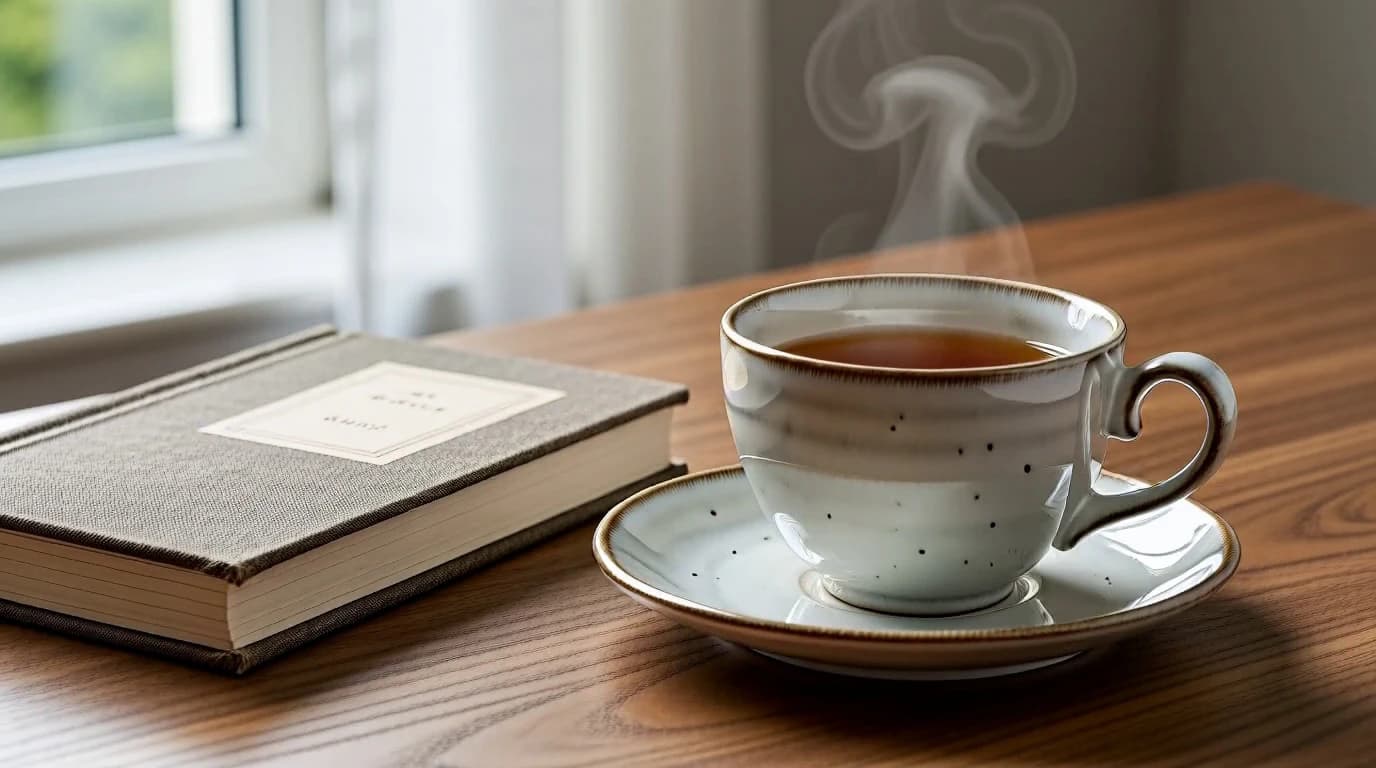
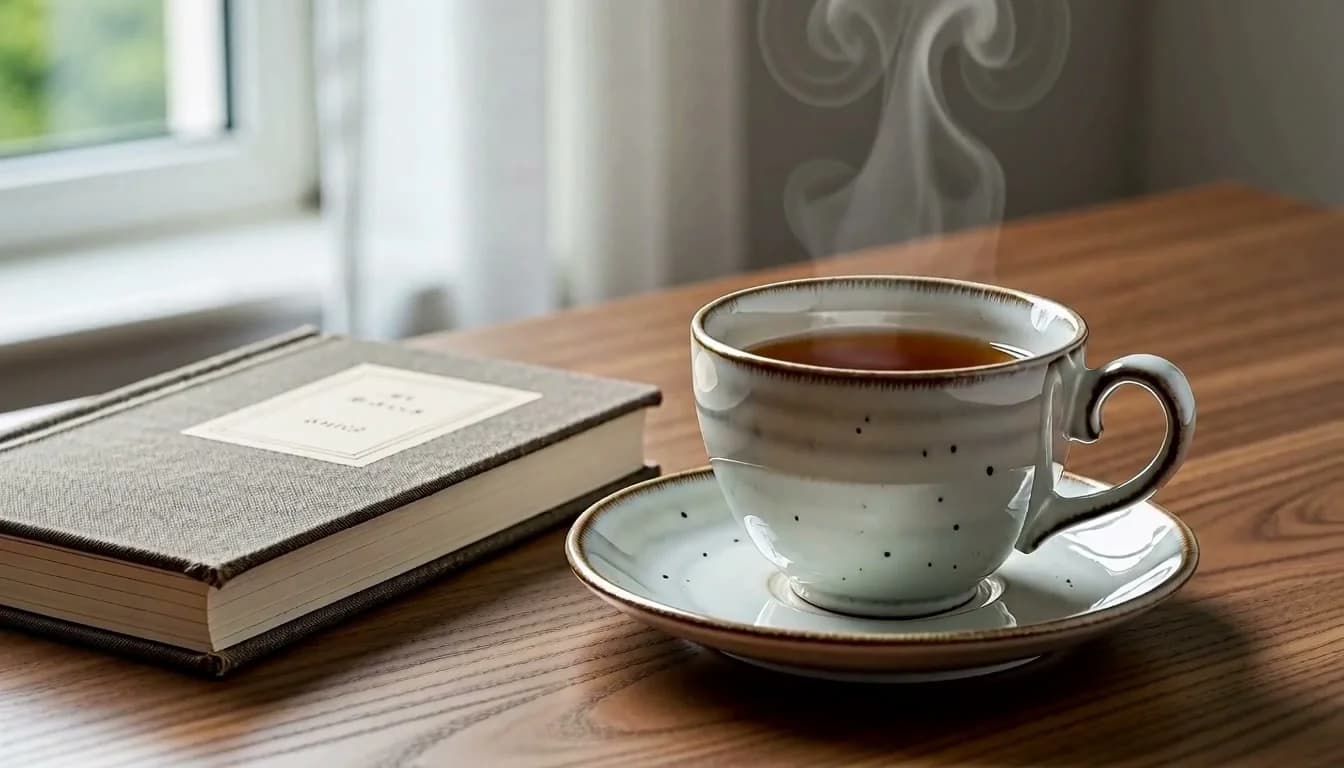
The desk case begins with the original source image below. The actual output retains the cup, saucer and book while steam, framing and sunlight shift slightly.
Subscribe to unlock Premium generation options and keep completed generations without automatic expiry. Without an active subscription, completed results remain available for 7 days; one-time Packs add non-expiring Credits but do not extend media retention.
Start with monthly Credits and full Premium access throughout each paid 30-day period.
Billed $149.90 yearly
145 credits each billing period
SubscribeCreate more often with a larger monthly allowance and full Premium access throughout each paid period.
Billed $299.90 yearly
390 credits each billing period
SubscribeOur largest monthly allowance for intensive creation, with full Premium access throughout each paid period.
Billed $599.90 yearly
975 credits each billing period
SubscribePractical answers about input modes, free access, Credits, output settings and responsible adult creation.
Start with a written scene in Text to Video, or animate an image in Image to Video. Text to Image and Image to Image are also available for preparing a starting still. The current studio shows which models and settings are available for each mode.
You can review the public tools and examples before signing in. Generating requires an account and sufficient Credits; any introductory reward depends on the eligibility and balance shown in your account. Review the live estimate and Pricing before you submit a task.
Choose text when you want the model to establish a new composition from your description. Choose an image when you already have a scene, object or subject you are authorized to use. In Image to Video, describe the motion rather than rewriting every visual detail.
Specify one subject or setting, one main action and one camera direction. For example, replace “make it cinematic” with “a slow push toward the lighthouse as mist drifts across the coast.” If the result drifts, simplify the movement before adding more detail.
Available settings depend on the model and mode you select. Some longer or higher-resolution options require an active subscription. Check the available controls, access requirement and Credit estimate together in the studio.
Only submit images and likenesses for which you have the required rights and informed consent, and ensure every depicted person is clearly an adult. Generated output does not automatically clear third-party rights or guarantee commercial-use permission. Review the Terms, Content Guidelines and the conditions that apply to your intended use.
Your account’s inputs and outputs are private within the service by default; the examples on this page are separate published demonstrations. Processing uses service infrastructure and generation providers as explained in the Privacy Policy. Review retention information and download results you are entitled to keep.
Choose a text brief or an authorized image, review the available model and Credits, and create in your adult studio.
Sign in to continue your adult creative projects, review generation history and access your Credits.