No. This mode creates a still image from a prompt. After reviewing the result, the animate-image action can move the saved image into Image to Video as a separate request.
Prepare an original frame. Then plan the motion.
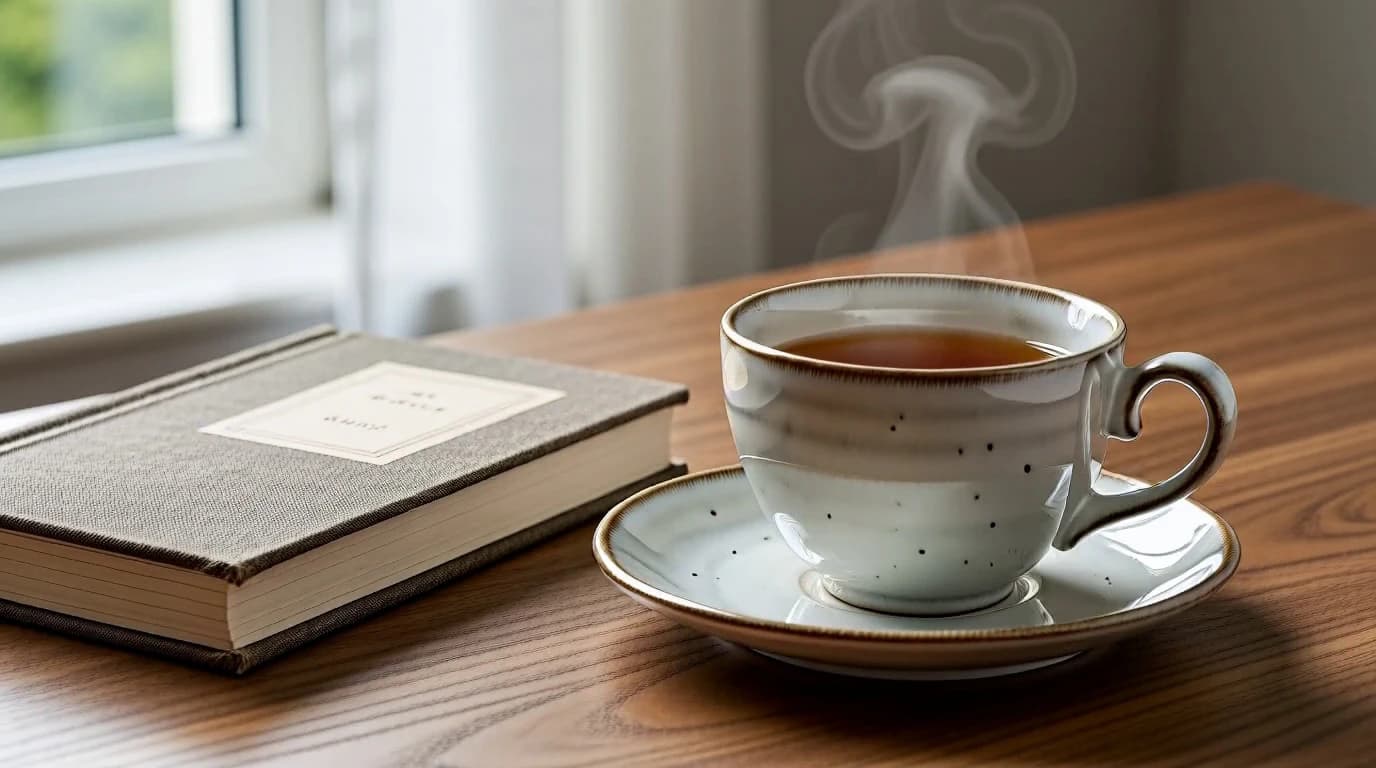
Text to Image helps you establish a composition before asking for movement. Describe the objects or clearly adult fictional subject, layout and light, then review the still. The desk artwork here is an original illustrative source for the video case; it is not presented as an output of the currently selected image model.
Use Text to Image to answer a composition question
Work on appearance first. A still is easier to assess when the prompt focuses on what should be in the frame.
- 01
Name the visual arrangement
Describe the main subject, surrounding space and the details that must be visible.
- 02
Choose the available image setup
Select a currently published image model and its supported size or shape. Check the Credit estimate before submitting.
- 03
Review before animation
Inspect edges, text artifacts and unwanted details. If the still is suitable and authorized, use the animate-image action to continue in Image to Video.
Three still-image briefs to adapt
These are ungenerated prompt suggestions using the case artwork as a visual reference. They do not claim results from a published image model.
Browse the input and prompt examples.
A clear object arrangement
PromptA white ceramic cup and saucer beside a closed clothbound book on a walnut desk, soft window light, full cup visible, no writing.
Keep the main objects complete and leave room for later motion.
A quiet environmental frame
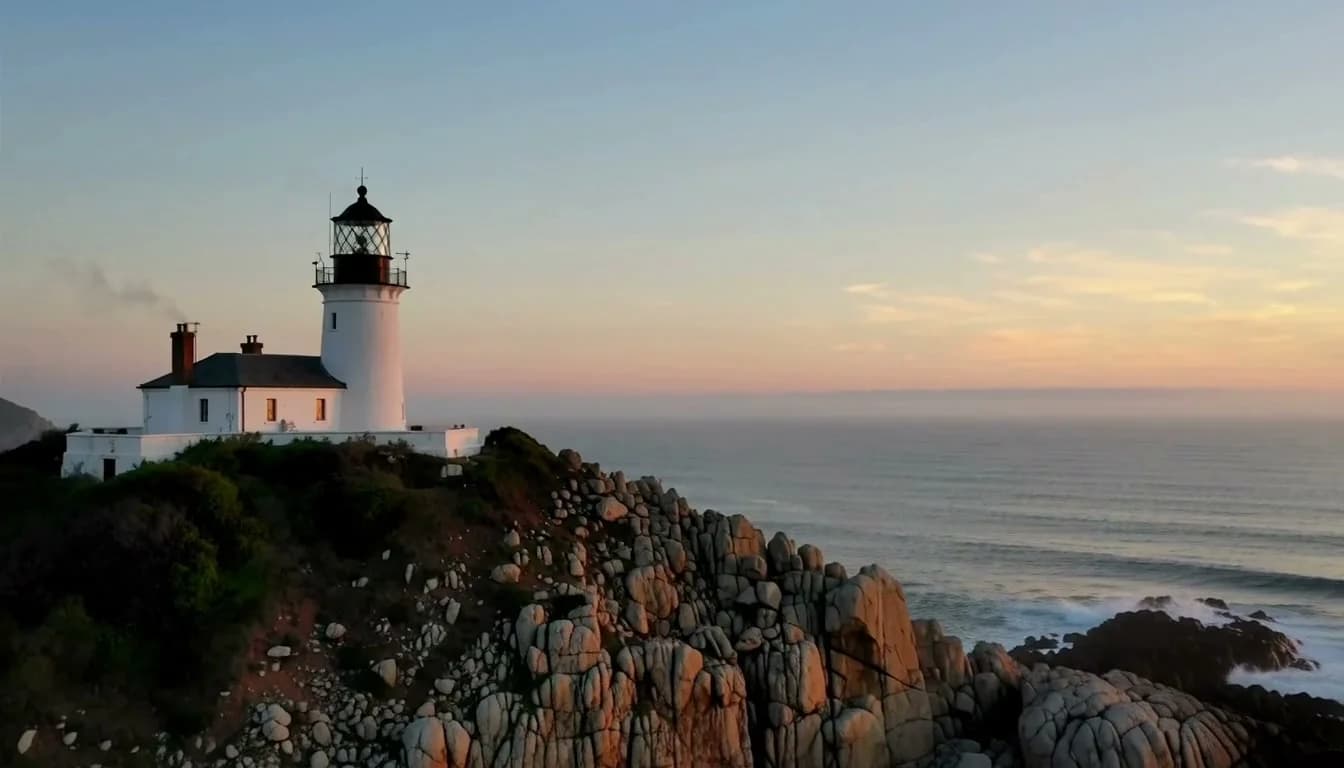
PromptA coastal lighthouse on a rocky cliff at dawn, pale sea mist, a clear view of the tower and coastline, no people or text.
Establish a readable subject before choosing a moving camera.
A change in light
PromptA ceramic cup and book on a wooden desk, cool overcast window light, simple uncluttered background, no text or logos.
Change the lighting instruction while keeping the arrangement specific.
Choose the image shape and detail you need
Image choices come from the live image Catalog. They differ from video duration and resolution controls.
| Goal | Focus on | Why it helps |
|---|---|---|
| Check the main action | A shorter available duration | A compact test helps you see whether the intended movement reads clearly. |
| Frame the subject | The available aspect-ratio control | Choose the frame for the subject and destination; supported shapes differ by model. |
| Inspect output detail | The selected resolution | Higher resolution can change access and Credit requirements; compare it with the task. |
| Plan another attempt | The live model and Credit estimate | Each revision is a new request. Review the full setup before submitting. |
Make the next attempt easier to evaluate
Change one decision at a time and compare what actually changed in the output.
- Several movements compete
- Keep one main action. Test the camera move separately before adding more movement.
- The composition changes too much
- Reduce the requested motion and state which key details should remain consistent.
- The result misses the intended focus
- Name the focal object and starting composition directly, then remove unrelated details.
- The control I expected is missing
- Check the selected model and mode. Use only the settings currently exposed in the studio.
Text to Image questions
Practical answers about live settings, Credits, account access, and consent-first creation.
Look at the subject edges, composition, unwanted text and important details. Leave space for the movement you plan to request later.
No. The images support the recorded video case and illustrate prompt ideas. They are not a benchmark or a result claim for the model currently selected above.
Choose the model and complete setup in the studio. The estimate reflects the current selection, and some settings require a subscription. Review the displayed requirement before submitting each attempt.
The public studio and this guide are available while signed out. To submit a generation, sign in and make sure the account has enough available Credits. Introductory rewards depend on the account’s eligibility.
Use ideas and sources you are authorized to process for the intended purpose. Every depicted person must clearly be an adult and give the required informed consent. Review the Terms and Content Guidelines before uploading or sharing.
Return to your image setup
Use your own authorized input, review the live configuration and Credits, then submit when ready.